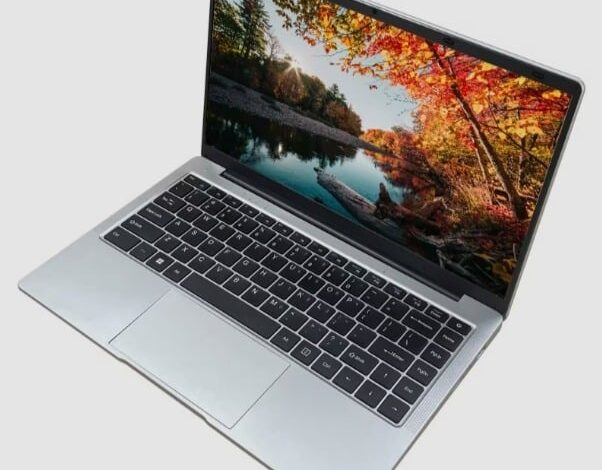
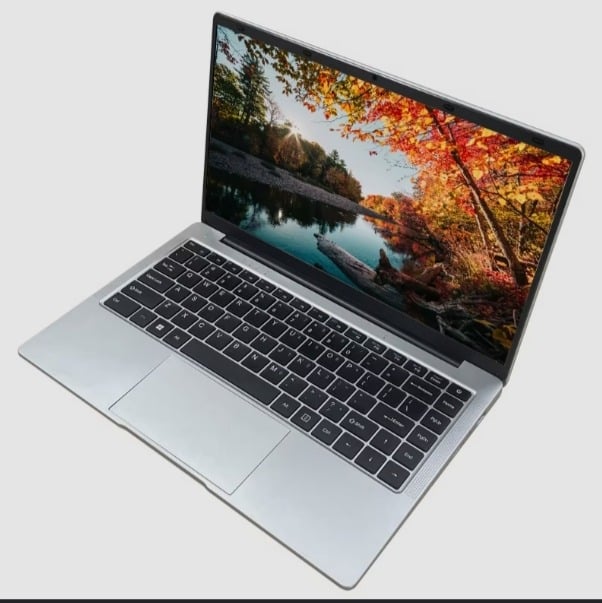
A laptop is a significant investment, whether you use it for work, school, or business. With proper care, it can serve you well for several years.
Contents
Using your laptop on soft surfaces
Ignoring dust and dirt
Keeping the battery at extreme charge levels
Skipping software updates
Handling your laptop carelessly
However, many people unknowingly develop habits that reduce their laptop’s performance and shorten its lifespan.
In this article, Tribune Online highlights five common mistakes that can shorten your laptop’s lifespan.
Using your laptop on soft surfaces
Many people use their laptops on a bed, pillow or sofa because it feels comfortable. However, these soft surfaces can block the air vents underneath the laptop, making it difficult for heat to escape.
When a laptop overheats, its processor, battery and other internal components have to work harder, which can affect performance and reduce their lifespan over time.
To improve airflow, place your laptop on a flat, hard surface such as a table or desk. If you use it for long periods, a cooling pad can also help to keep temperatures under control.
Ignoring dust and dirt
Dust may seem harmless, but it can build up inside your laptop over time. When this happens, cooling vents and fans become less effective, causing the device to heat up more quickly. You should clean the keyboard, screen and air vents regularly using a soft cloth or compressed air. If you have used your laptop for several years, consider having it professionally cleaned to remove dust from inside the device.
Keeping the battery at extreme charge levels
Laptop batteries naturally lose capacity as they age, but poor charging habits can speed up the process. Leaving your laptop plugged in all the time or allowing the battery to remain completely drained for long periods may reduce its long-term performance.
Skipping software updates
Software updates do more than introduce new features. They also fix security weaknesses, improve system stability and solve performance problems.
Ignoring updates for months can leave your laptop vulnerable to security threats and software errors. Turning on automatic updates is one of the easiest ways to keep your laptop running smoothly.
Handling your laptop carelessly
Physical damage is one of the most common reasons laptops require repairs. Avoid lifting your laptop by the screen, placing heavy objects on top of it or carrying it without a protective bag.
Sudden drops, pressure on the screen and rough handling can damage the display, hinges and internal components.
If you travel often, use a padded laptop bag to reduce the risk of accidental damage.
@ Nigerian Tribune